Tailwind KOMpass is now a Progressive Web App (PWA). That means you can add it to your phone's home screen and launch it like any native app: full-screen, with its own icon, and no browser bars in the way.
Install it in one tap
- Android / Chrome: open Settings → Install app and confirm the prompt.
- iPhone / Safari: tap the Share button, then Add to Home Screen.
- Once installed it opens straight to the map, and the wind map and shell load instantly, even on a flaky signal, thanks to offline caching.
Push notifications for everyone
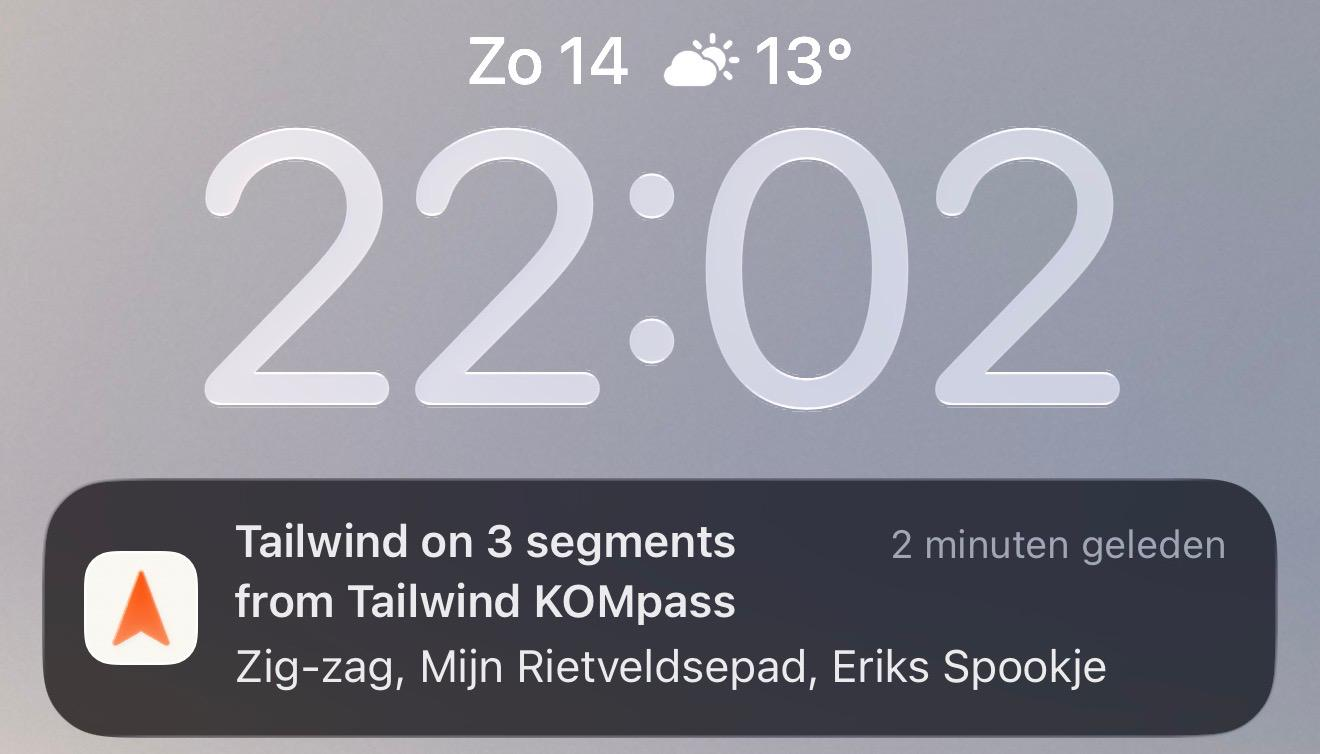
- On /alerts, every rider can now switch on push notifications per device, no Pro required.
- Push is now the primary channel: alerts go to your device first, and we only fall back to email when your phone can't be reached. You get one alert on one channel, never the same notification twice.
- Push respects all your existing alert settings (thresholds, quiet hours, and per-segment windows), so you only hear from us when it's worth riding.
- On iPhone, install KOMpass to your home screen first; iOS only allows push once the app is added.
Email still works for everyone and stays the dependable backup. Push is simply the faster, primary way we reach you, on whatever device you turn it on.