The KOM finder's sliders used to start from the same generic defaults for everyone. If you've saved a rider profile, there's now a “Suggested for you” button at the top of the panel: one tap sets every relevant filter to the segments you can plausibly take.
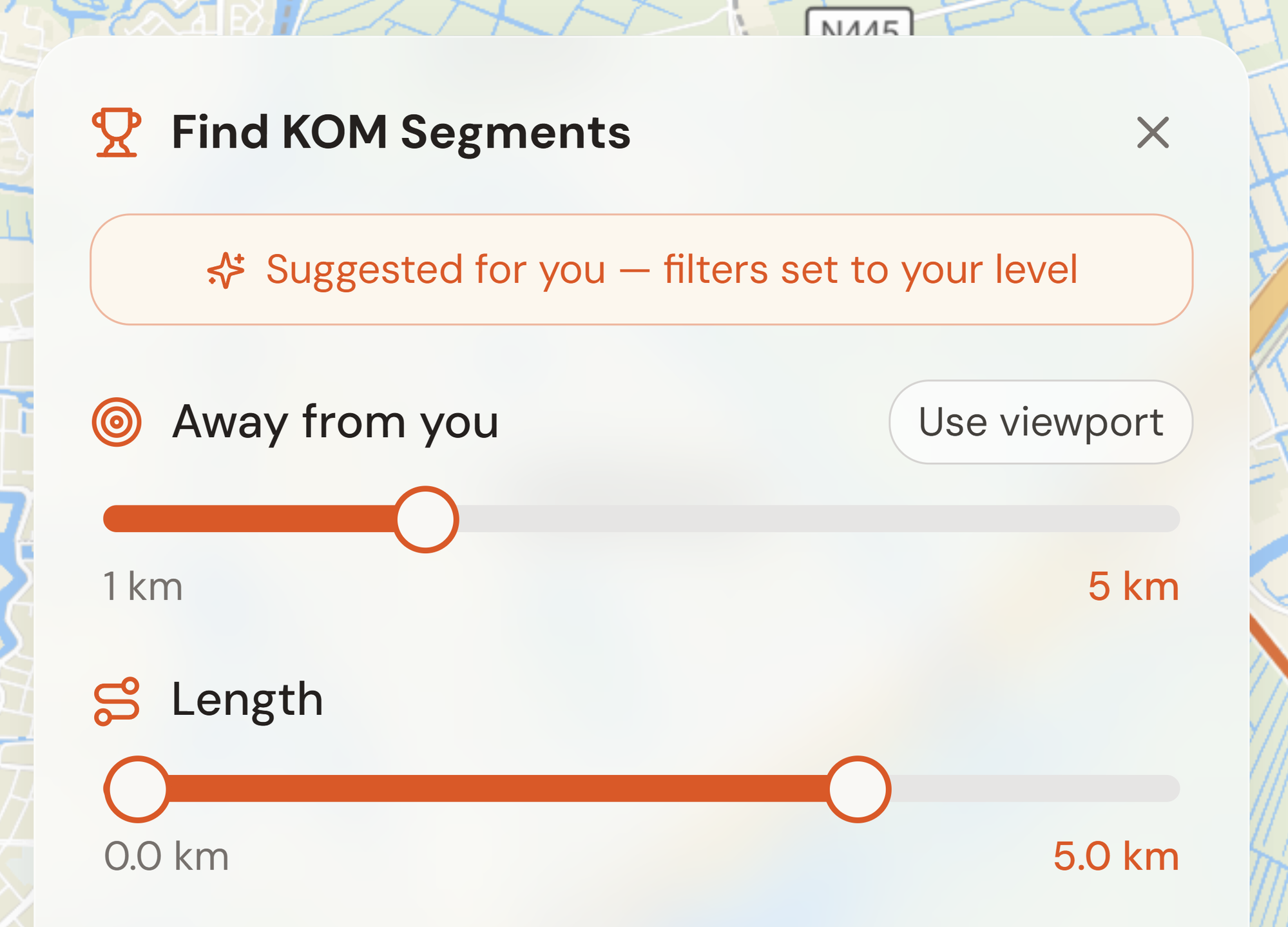
What it sets, and why
- Max KOM speed, computed with the same physics as Advanced Analysis: the flat speed you can sustain at your FTP (your weight and height shape the aerodynamic drag), plus a realistic tailwind allowance. Because that's the whole point: you take KOMs on the right day, with the wind.
- Max popularity, scaled to your watts per kilo. On climbs a slow KOM speed says little about how hard the record is; how many riders have tried it says a lot more.
- Length and type, from your rider type: sprinters get short, flat segments; climbers get climbs; all-rounders keep the full range.
It's a starting point, not a lock-in. Every slider stays fully adjustable after applying. No profile yet? Set your FTP, weight, height, and rider type on the Segments or Settings page and the button appears.